During the development, you can check whether there are“wasted “code in the current codes or not through FlexCover toolkit as below :
1 ) Download FlexCover-SDK, http://code.google.com/p/flexcover/;
2)Install CoverageViewer.air;

3)Copy one piece of sdk. Take version 4.1 for example: download sdk-modifications-4_0 and copy to sdk to cover the existing files.


4)Add the modified SDK to Flash Builder;

5)Set the current SDK as copySDK;
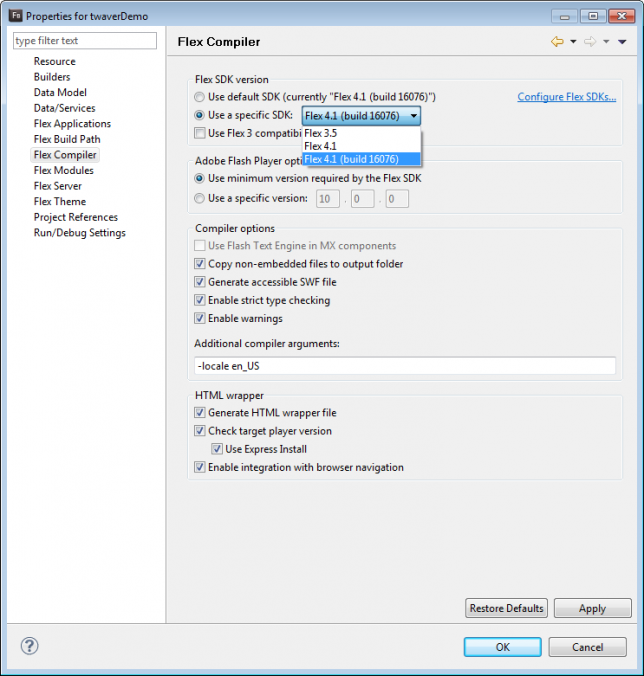
6)Find one *.cvm file under the catalog of bin-debug,it means the setting has been done;

7)Run CoverageViewer to load the generated cvm document;

8)Run the demo to check the cover rate;


No comments:
Post a Comment